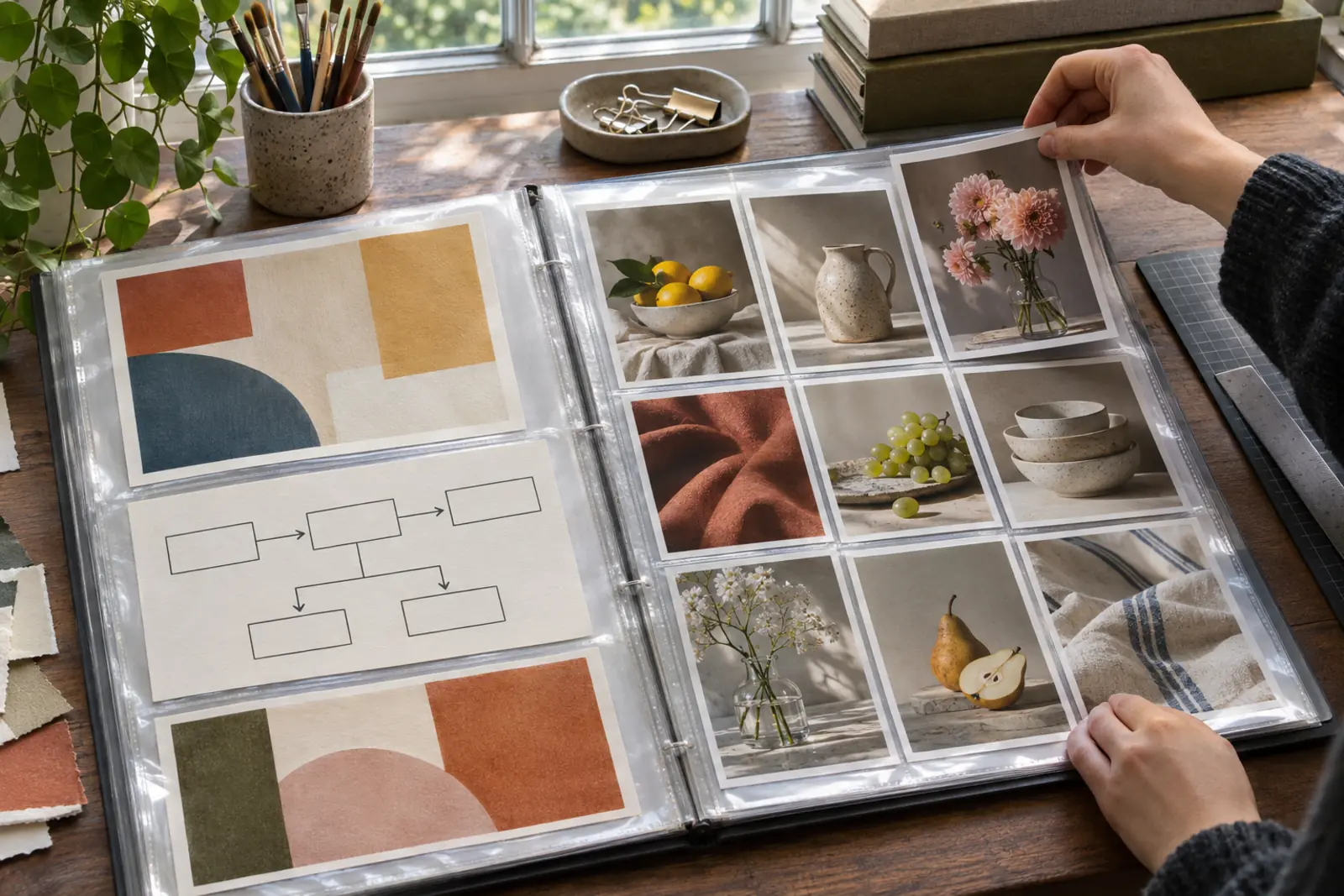
You can build a virtual assistant portfolio without client experience by creating three to five samples that mirror real client tasks, such as a cleaned-up inbox workflow, a month of scheduled social posts, a polished newsletter or a tidy spreadsheet, and presenting each with a short description of the problem, your process and the result. Samples built on invented or publicly available material work fine as long as you label them honestly. Never use a real client's private information.
What a VA portfolio is for
A portfolio answers one question for a prospect: can this person do the work I need? It does not have to be long or fancy. Three strong, relevant samples beat ten random ones. Choose samples that match the services you chose in your niche, and if you are still unsure what clients actually delegate, read what a virtual assistant does before you pick.
Virtual assistant portfolio examples: sample ideas by service
| Service | Sample you can create |
|---|---|
| Inbox and calendar | A written process for email triage with folder rules, templates for common replies and a sample weekly calendar review, using fictional data |
| Social media | A mock content calendar for a fictional or your own brand, with captions and a posting schedule |
| Pinterest management | A set of pin designs and descriptions for a public topic, with a board structure and keyword plan |
| Customer support | A help center article, a set of response templates and an escalation guide for a fictional shop |
| Bookkeeping support | A sample categorization sheet and reconciliation checklist using made-up transactions |
| Content support | A formatted blog post, show notes or newsletter based on public-domain or your own content |
| Data entry and research | A cleaned dataset or a comparison sheet built from public information |
Pick the two or three rows that match the work you want to be paid for. A portfolio for an inbox-and-calendar assistant does not need Pinterest pins, and a prospect who needs customer support will skim past a content calendar.
How to present each sample
- The problem. One or two sentences about the situation, even if fictional. Label it as a sample.
- What you did. A short list of steps and tools.
- The result. What improved or what the client would get, without invented numbers.
- The visual. A screenshot or a downloadable file, where privacy allows.
A fill-in sample write-up
Use this skeleton for every piece, then replace the brackets. It keeps your samples consistent and makes the honest label impossible to forget.
- Title: [Service] sample for [fictional business type]
- Label: Sample project using fictional data, created to show my process.
- Problem: [One sentence: for example, a solo owner whose inbox has no folders and no reply templates]
- What I did: [Three or four steps and the tools used]
- What the client gets: [The deliverable, described without made-up percentages or hours saved]
- Files: [Link to the document, sheet or screenshots]
The label is the part that keeps a no-experience portfolio credible. Prospects forgive the absence of clients; they do not forgive a sample dressed up as client work.
Use the experience you already have
Skills from other work count. Describe tasks you handled as an office coordinator, teacher, retail manager, volunteer or parent running a school event, and translate them into client terms: scheduling, vendor communication, budgeting, writing, organization. Be factual. Do not inflate titles or claim results you cannot support.
Where to host it and what a one-page layout needs
- A simple one-page website with a short bio, services, samples and a contact method.
- A professional networking profile with the same content.
- A shared folder or a document with clear links, as a start.
Whichever route you pick, keep the layout simple. Open with a headline stating who you help and how, add a short plain paragraph about your background, list your services, show your three samples with the problem, process and result for each, and end with one clear way to get in touch. If your design skills are limited, choose a clean template and leave white space. The same material can also live inside the profile pages of the freelance platforms you may use, and the tools in a starter stack cover the document, design and scheduling software you need to produce the samples.
Do not publish clients' confidential information or passwords. Respect copyrights when using fonts, images and templates, and check the license of any design resource before using it in a sample. The U.S. Copyright Office advises asking the owner for permission when you want to use someone else's work, and notes that fair use has no fixed word or percentage limit, so it recommends getting permission in cases of doubt.
Writing about your process
Describe how you work, such as how you onboard a client, how you report progress and how you handle mistakes. Prospects often hire the person who seems calm and organized, not the one with the longest list of skills. Admit what you do not do. A narrow, honest scope builds more trust than a promise to handle everything.
Testimonials and references, honestly
When you complete real work, ask the client for a short comment you may quote, with their written permission. Do not fabricate reviews. In its 2024 final rule on fake reviews, the Federal Trade Commission banned fake or false reviews and testimonials, including AI-generated ones, and also targeted undisclosed reviews from a business's own insiders. The FTC's Endorsement Guides add that an endorsement must reflect the endorser's honest opinion and that a free product or other perk may need to be disclosed if knowing about it could affect how much weight readers give the review. If a client gave a comment on a free pilot project, saying so is the safe choice.
Until you have real feedback, let the work speak for itself. See finding your first clients for ways to get early projects.
Using trial projects to create real samples
A small paid or discounted project can produce a real portfolio piece. Agree in your contract that you may show non-confidential parts of the work, or ask the client for approval before publishing. Anonymize anything sensitive. If you are unsure how to quote a small trial, how to price virtual assistant services explains the common pricing models.
Common portfolio mistakes
- Too many generic samples. Prospects want relevance.
- Passing off a template as your own design. Note when you used one.
- Passing off a sample as client work. Keep the sample label visible.
- Showing private data. Blur names, emails and figures.
- No contact path. Make it easy for a client to reach you.
- Typos. In this line of work they are costly.
Get feedback and keep it current
Ask a friend who runs a small business, or a trusted peer, to look at your samples and tell you what is unclear. A fresh reader quickly spots confusing wording, missing context or distracting design. Revise once or twice, then publish. Review the portfolio every few months, replace weaker samples as you complete better work, and retire pieces that no longer represent the services you want to sell.
Frequently Asked Questions
Can I make a portfolio with no clients?
Yes. Create samples that resemble real client tasks, label them as samples and use fictional or public material. Present your process and the outcome clearly.
How many samples do I need?
Three to five relevant samples are usually enough to start. Quality and relevance matter more than quantity.
Can I show client work in my portfolio?
Only with the client's permission, and without private or confidential information. Put permission in your agreement or get approval in writing.
Do I need a website for my portfolio?
Not at the beginning. A shared folder or a professional profile can work. A simple website can be added later.
Can I use fake testimonials until I have real ones?
No. The FTC's 2024 rule bans fake and false reviews and testimonials, and fake praise also misleads the prospects you want to win. Wait until you have genuine feedback and quote it with permission.
Is there a virtual assistant portfolio template I can copy?
The fill-in sample write-up above works as one: title, sample label, problem, what you did, what the client gets and a link to the files. Repeat it for each sample and put the pieces on a one-page layout.